
What AI Can Show You About Your Office (And What It Can’t)
The way people work is changing, and their offices haven’t caught up. A lot of leaders are realizing their space was built for yesterday’s workflows, not tomorrow’s. More room to collaborate. Less need for a desk per person. Different demands depending on how a team actually works, day to day.
Steelcase found that 78% of facility and real estate leaders expect to redesign their office in the next two to three years because of AI. A separate survey of more than 2,200 business leaders worldwide found that most expect AI to change how they think about their offices and where their people work. Only about a third have actually started preparing their spaces for it.
Of those who are starting, we’re noticing something else shift: it’s not just what people want from a space. It’s how they’re arriving at a vision for it.
We used to see people come to meetings with a collection of things they liked. A Pinterest board. A folder of screenshots. A few photos with notes about what worked and what didn’t. Starting points for direction.
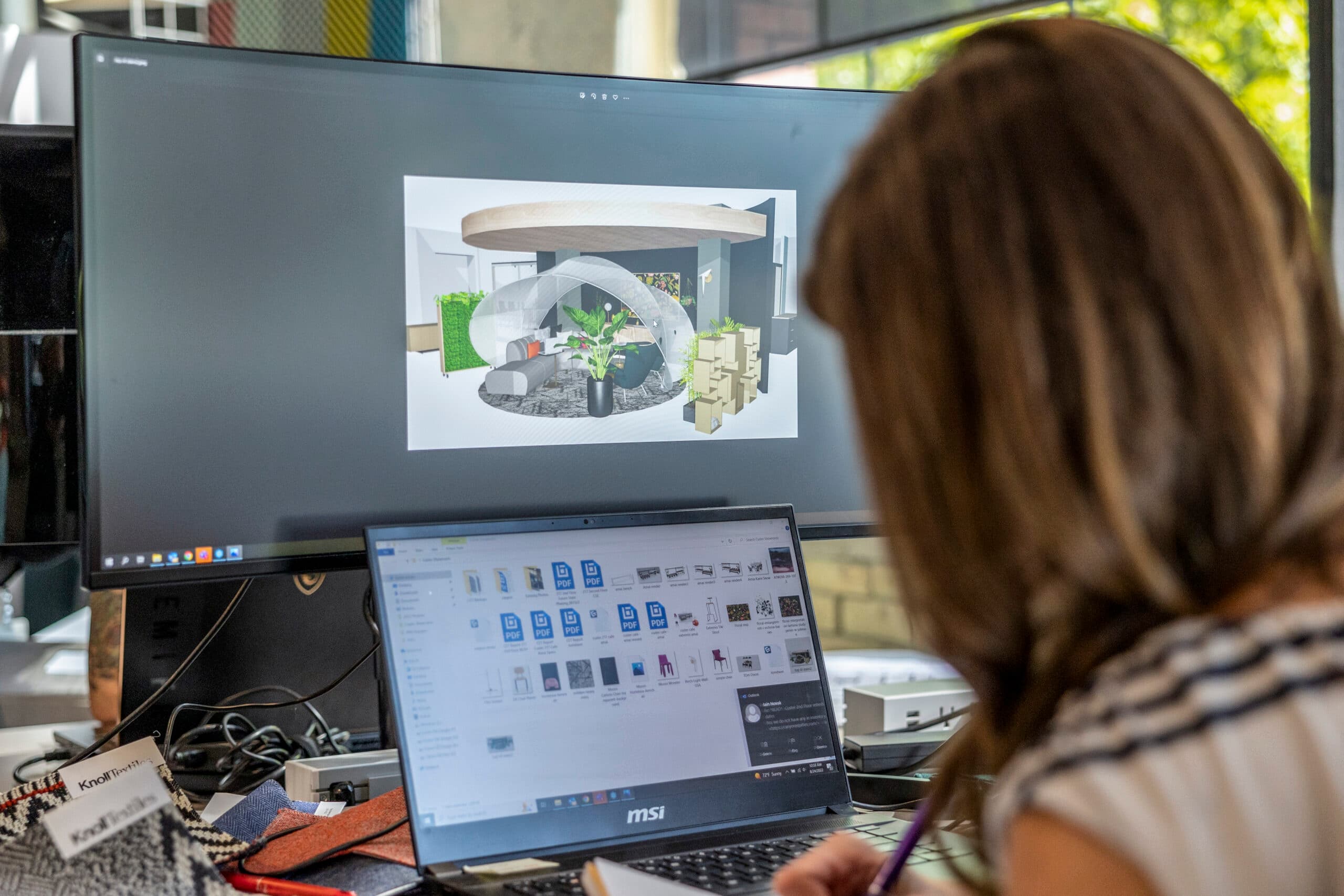
We’re starting to see some people bring something that was built with AI. Renderings, an actual image of a room, fleshed-out concept directions. They’re walking in with what looks like the finished version of their idea.
Our VP of Design Innovation, Jody Poole, sees this as an evolution of an instinct people have always had, just with a new tool. But, there’s a caveat to this. It’s easy to mistake what AI produces for the finished product. Before you place an order or tear down a wall, here’s what’s worth knowing.
What AI does well in the redesign process
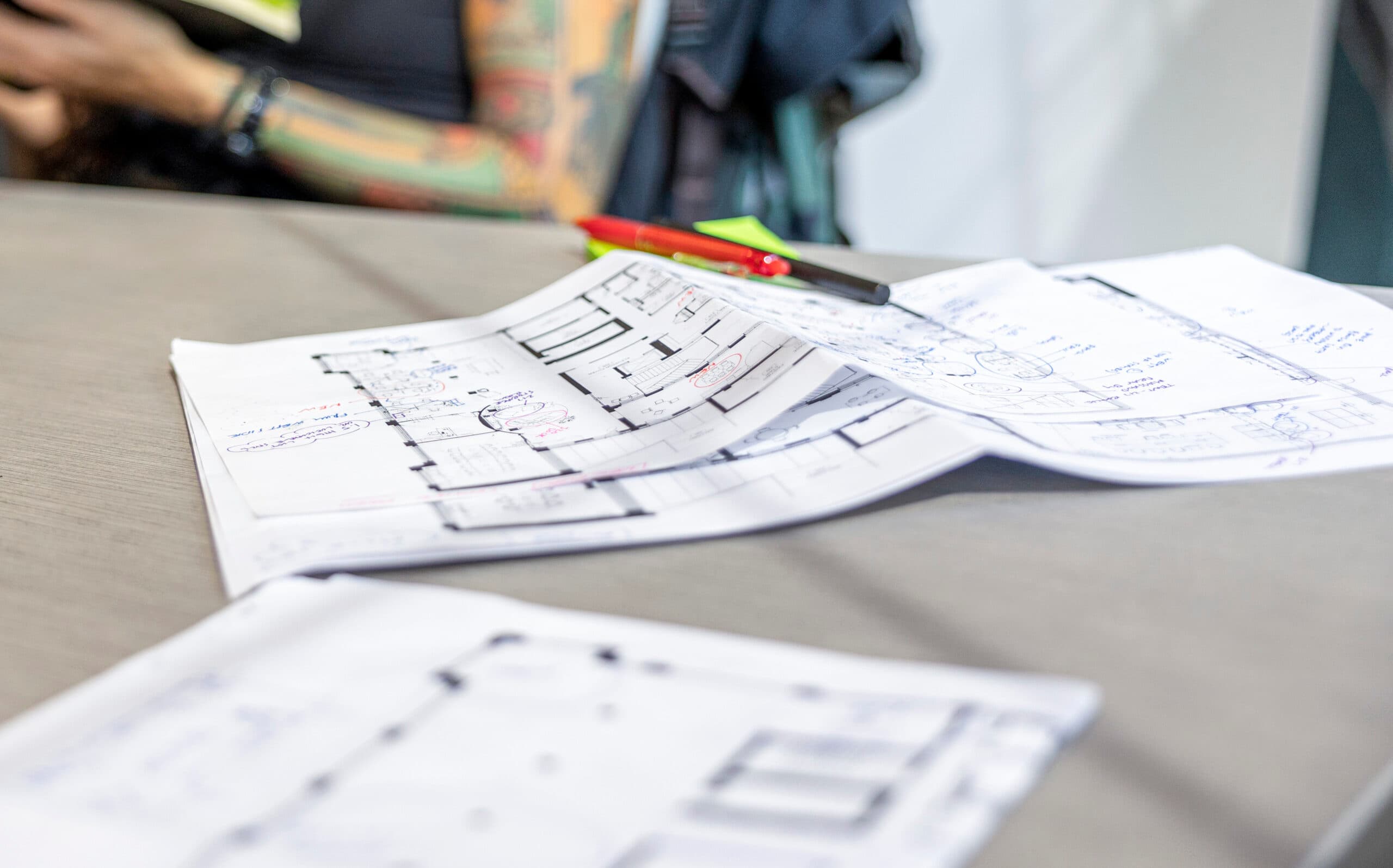
A lot of the early groundwork on a project—developing a vision, testing directions, building a shared vocabulary—used to happen inside the (paid) relationship with a designer. Now, a meaningful chunk of it happens before that relationship even starts.
People are using AI the way they’d use a whiteboard session: iterating out loud until an idea sharpens. What if there were no assigned desks? What if we swapped the furniture out? Make it warmer. Less corporate, more us.
That’s a real advantage. Jody points out that a lot of people know roughly what they want but don’t have the design vocabulary for it. AI helps you articulate what you’re seeing, which speeds things up once a designer’s involved — you’re already speaking the same language instead of, as Jody puts it, “throwing things at the wall.”
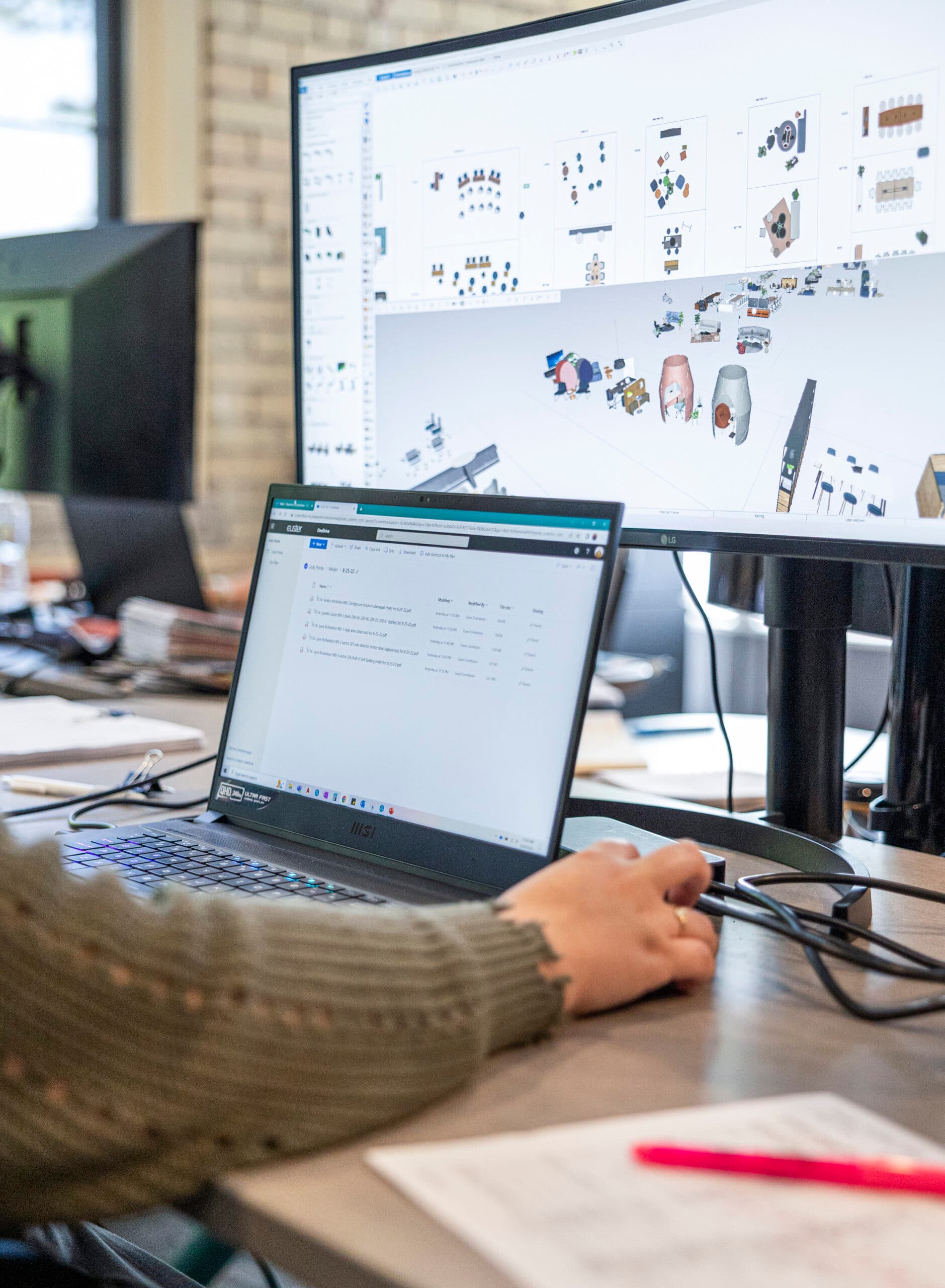
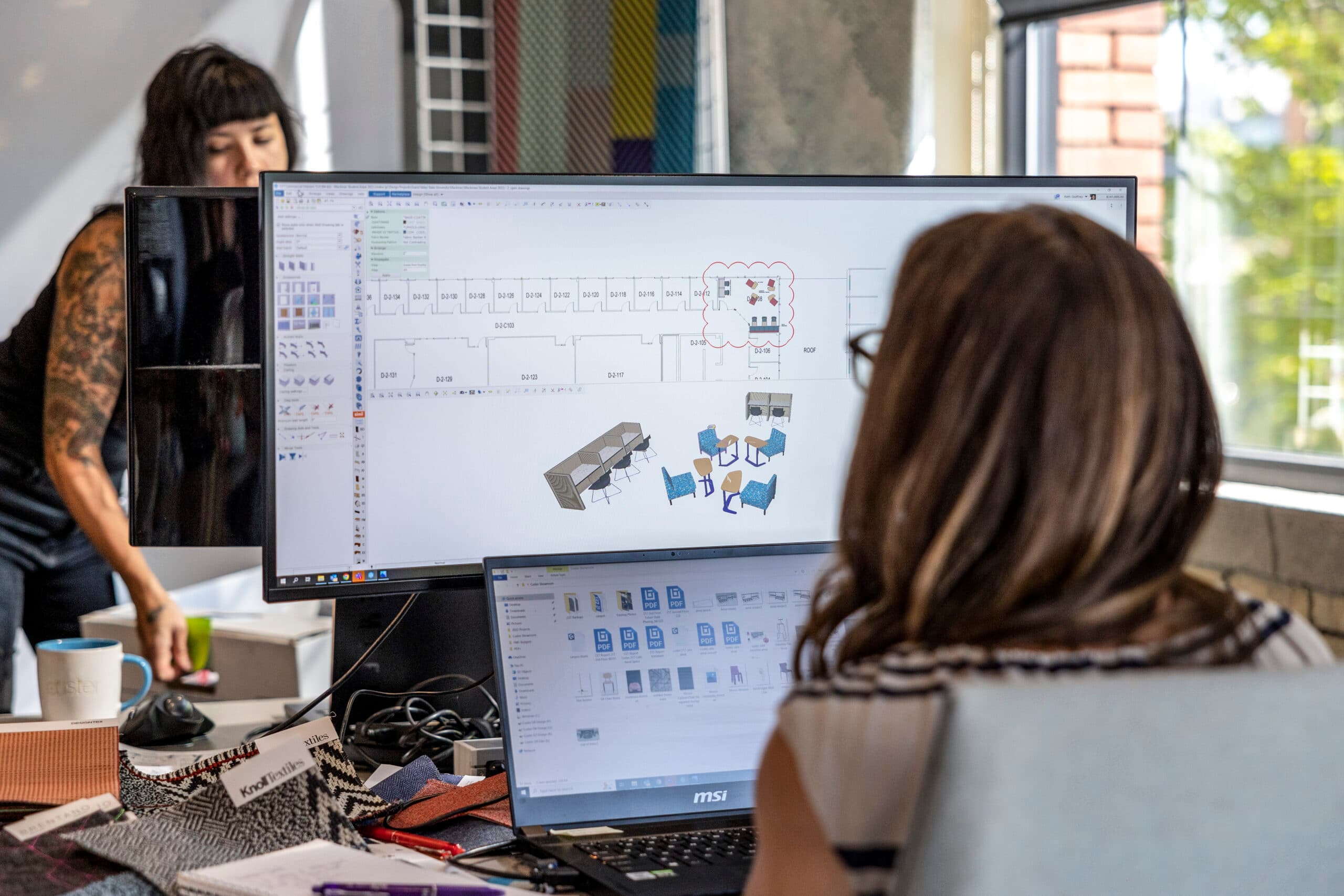
It also means you can iterate before you’re paying someone to sit through the iterating. Prompting lets you refine an idea over many quick passes, instead of trying to describe it perfectly in one conversation. And when you walk in with a shared visual reference, less time gets spent interpreting each other from scratch.
There’s something else here too. As Jody notes, showing up with a real point of view is “actually kind of great, because you’re taking a step forward to have ownership over what you want to see.” And ownership matters: when you’ve shaped the vision from the start, a redesign feels less like something being done to your team, and more like something you’re building for them.
So, AI is a genuinely useful starting point. The question is what happens next.
What an AI rendering can’t tell you
An AI-generated image can look finished. It isn’t.
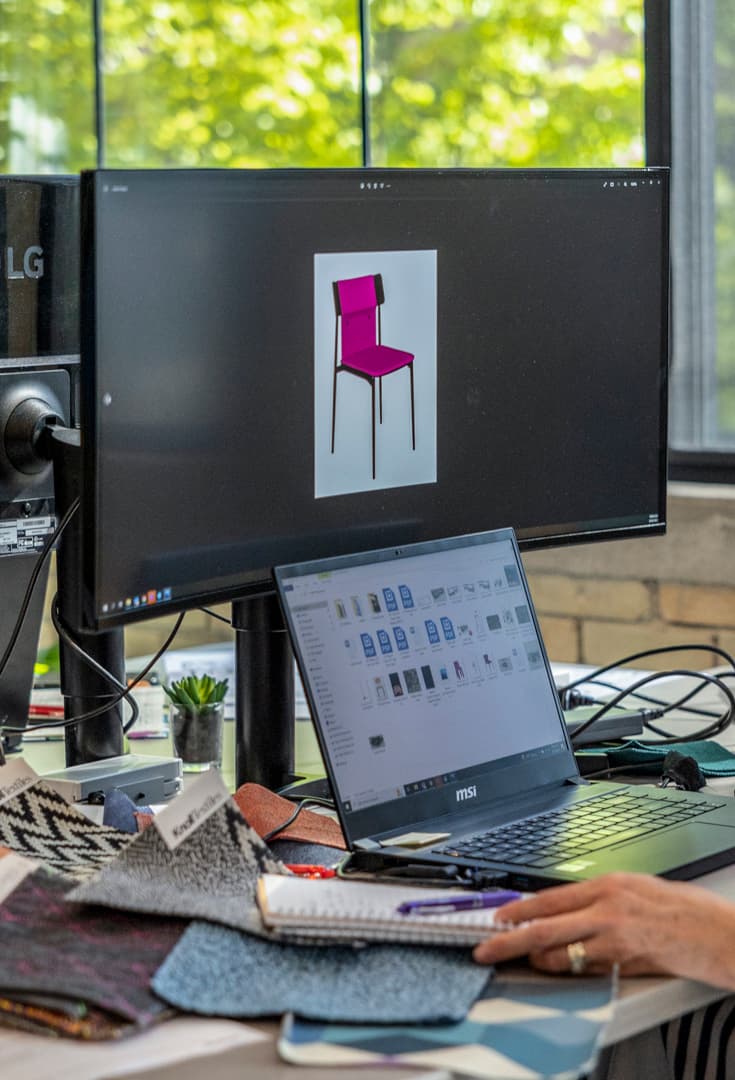
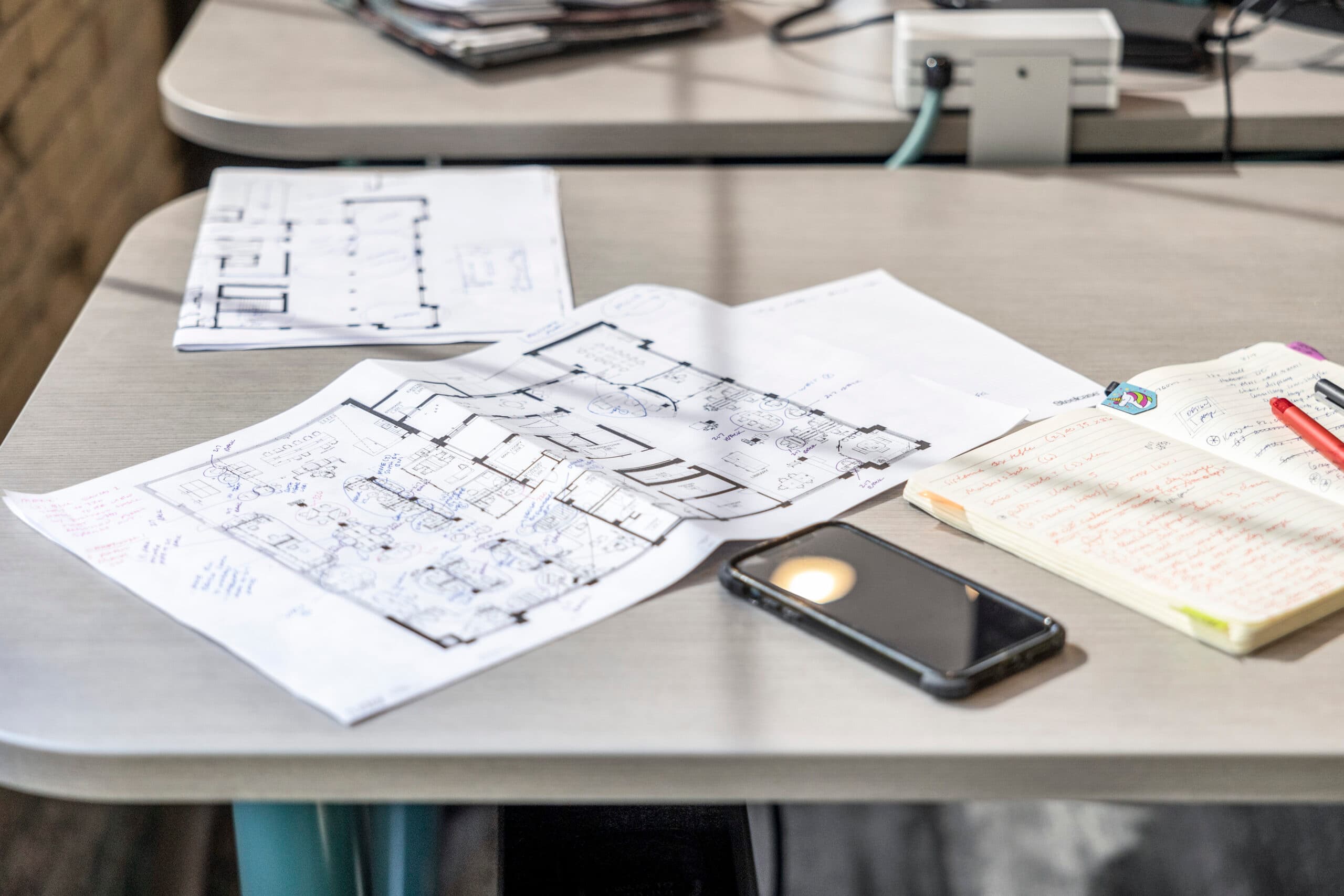
Take something as simple as a chair. AI can show you one that looks right in the space. What it won’t tell you is whether the seat height works with that table, whether the fabric will hold up to five years of daily use, or whether it’s even rated for commercial use in the first place. Get this wrong, and you’re out a chair, a delay, and a second decision you didn’t budget for.
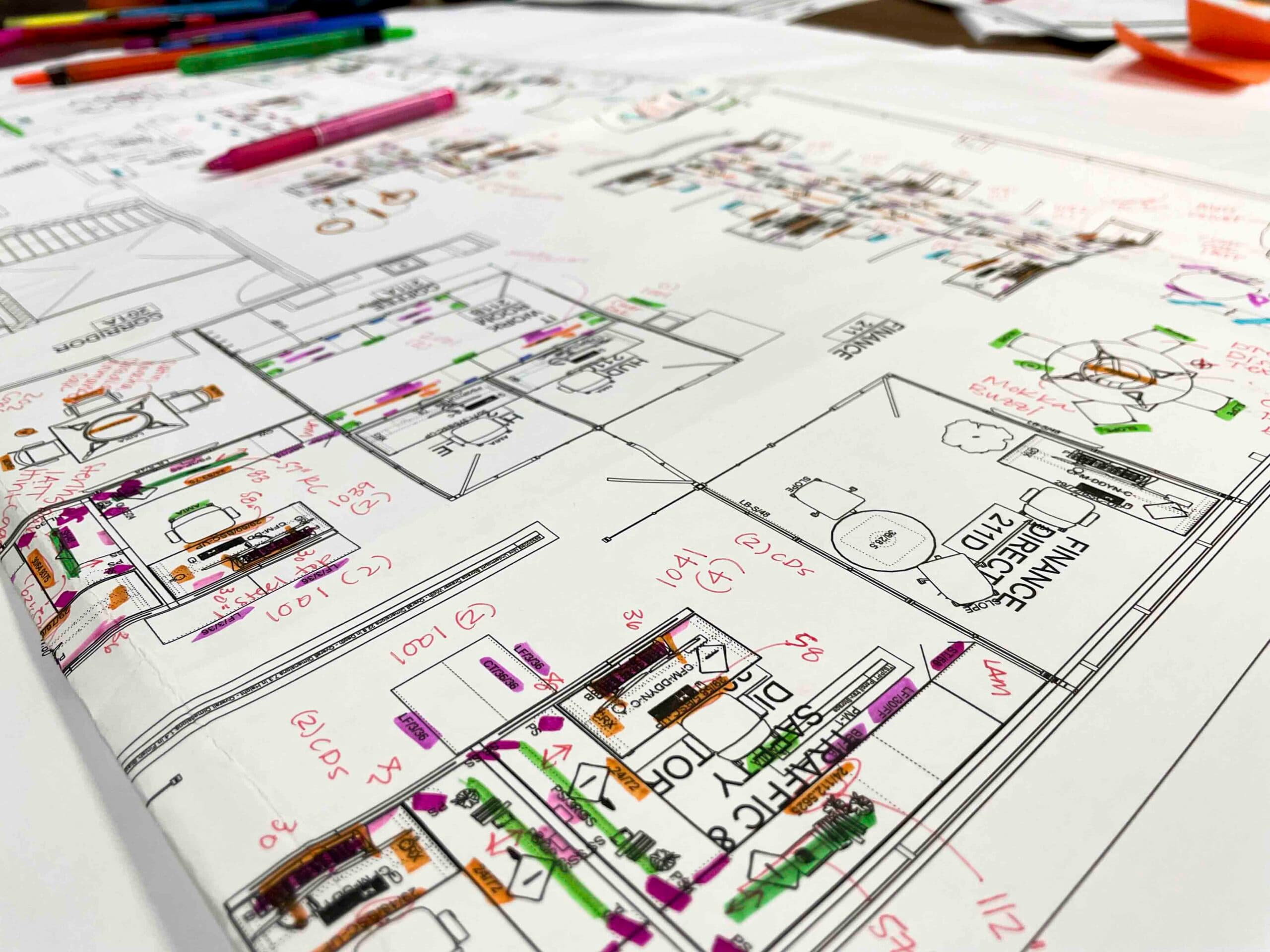
Zoom out to the whole space, and the gaps get bigger. How many people actually need to move through this room, and how does that change in five years? Is this space for employees, for clients, or both? And does it need to flex between the two? An AI rendering doesn’t ask these questions, because it doesn’t know your business. It also can’t see what’s happening behind the walls: the circulation, the lighting, the systems that determine whether a design is buildable at all, and at what real cost. The gap between what the rendering implied and what it actually costs to build is where budgets get blown.
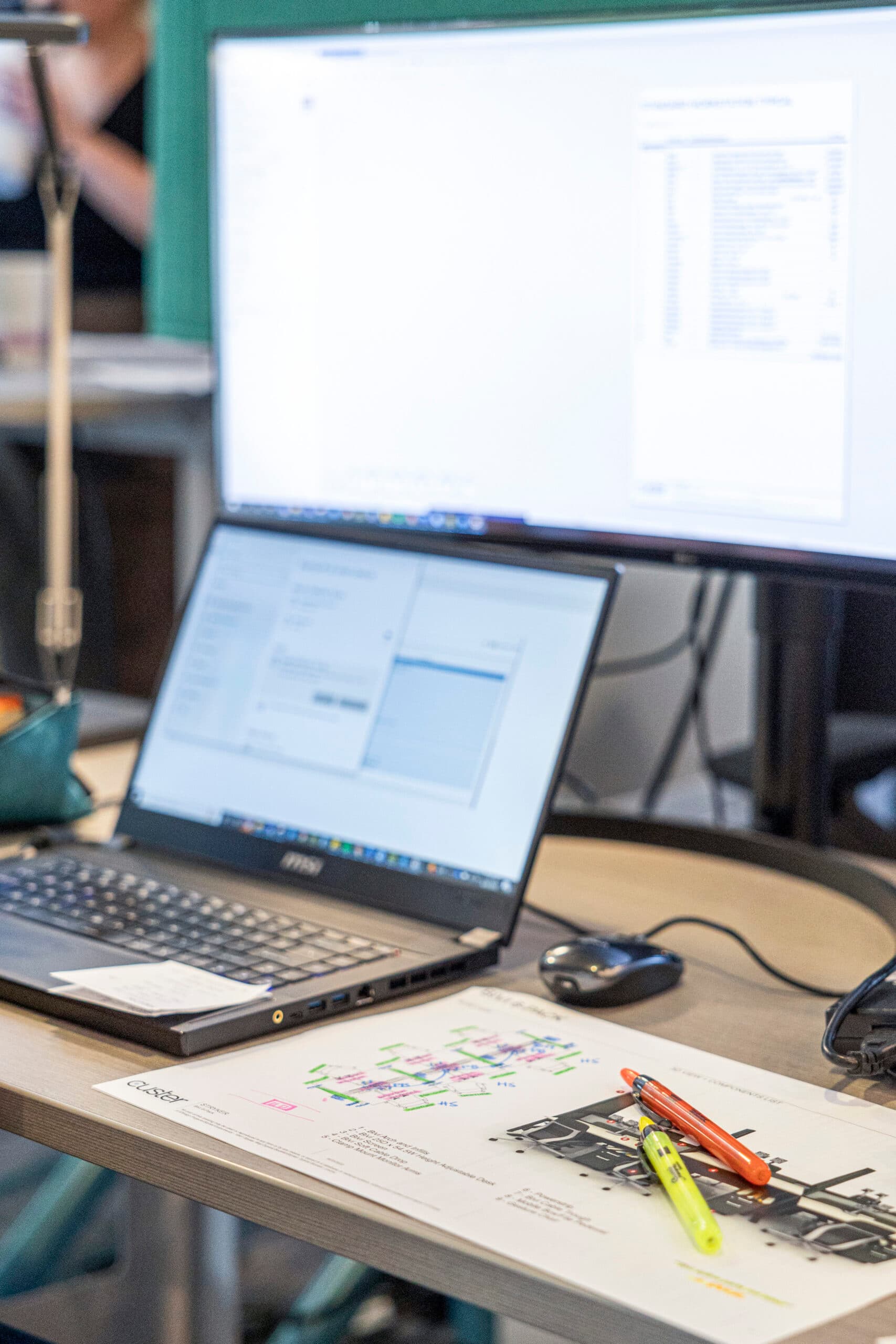
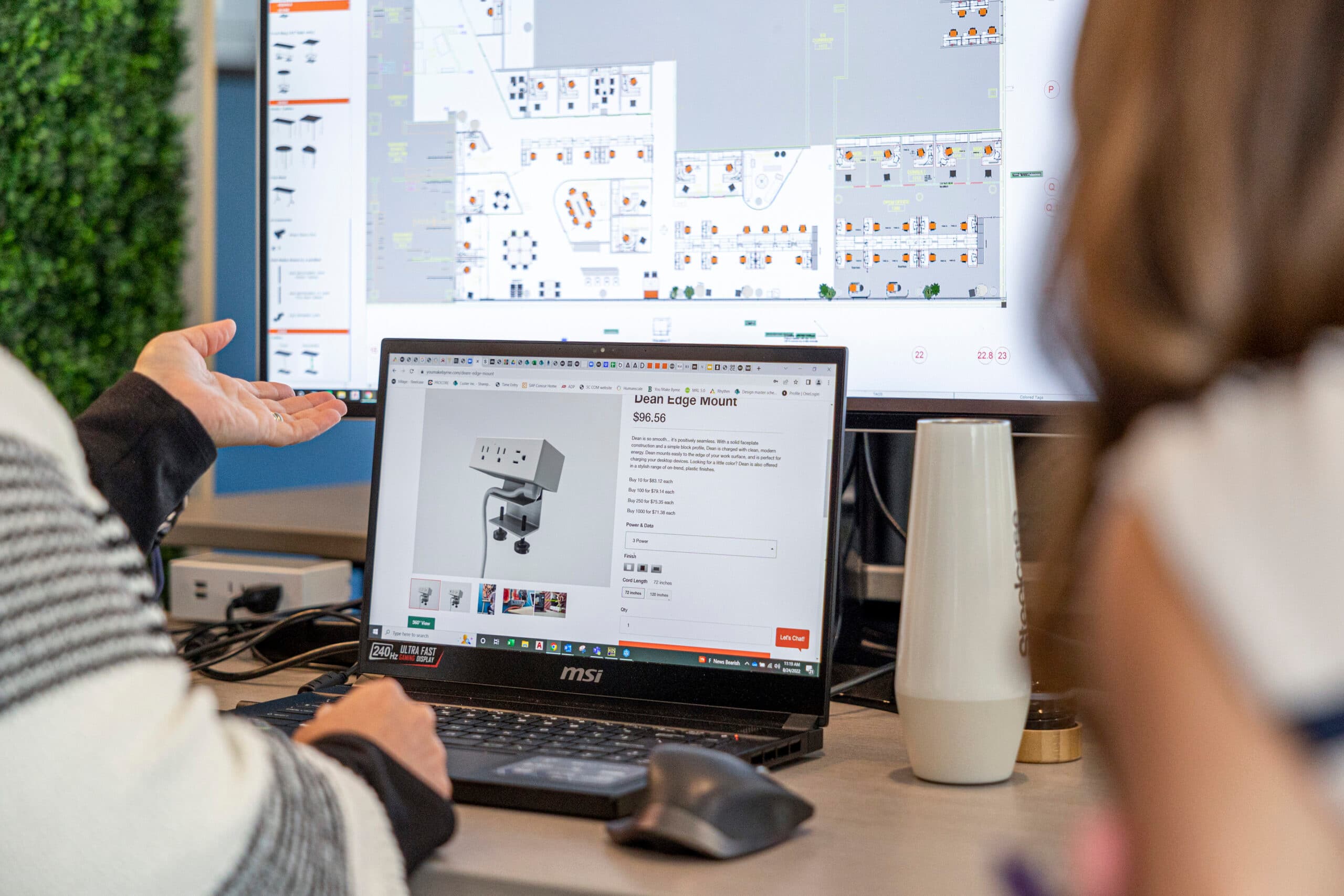
And then there are the pieces that matter most: keeping people safe and designing for all abilities. Life Safety requirements, occupancy types and egress distance, and making sure the space works for people of every ability aren’t a design preference. Those decisions are made with the kind of judgment a two-dimensional image was never built to carry. And it’s not something you want to discover you’re missing after the furniture’s ordered or when the fire marshal shows up.
This is just a word of caution. There’s plenty AI does well in this process. Jody points to The AI-Driven Leader by Geoff Woods that’s helped shape how she thinks about this. She believes, AI is best used as a thought partner, not a replacement for someone who can ask the right questions for your specific situation. It’s not the be-all, end-all.
AI can get you to a better starting line. It’s still not the finish line.
Where to go from here
We’re optimistic about what AI is doing to this process. It gets people further, faster, into a vision they actually believe in. But a vision still has to become a space people can actually work in, and that part still takes a team that has put in the time to earn that judgment.
If you’re already turning ideas over in your head, here’s something thing worth trying: don’t just ask AI what your office should look like. Ask it to ask you questions first. Have it challenge you to think differently about how your team works, what’s not working now, what you’re actually trying to solve. The more specific the back-and-forth, the more useful the starting point. And whenever you’re ready to turn any of it into something real, we’re happy to help you shape it.